

IMPORTANT AND HELPFUL BEFORE YOU START
APP SETTINGS
AUTOMATIC GPS UPLOAD
SWICA RUNDAY: 6 km to wrap up the week
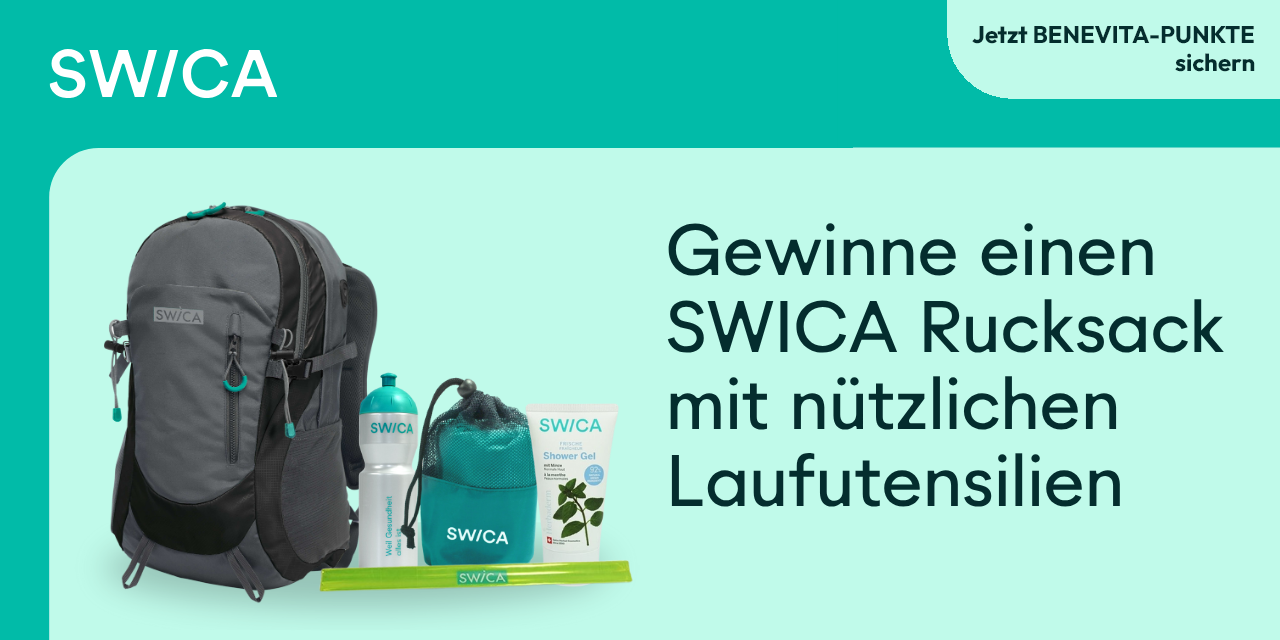
Run 6 km every Sunday and gain health: with a bit of luck, you could win the Swica backpack. Winners are notified directly after the run by e-mail.
As a user of the SWICA Benevita bonus programme, you will be rewarded with 50 bonus points for participating in the SWICA Runday. Enter the code in the Benevita app that you will receive by e-mail after the run.
Keep it up and collect runs: after 10 completed runs, you receive an exclusive SWICA badge displayed in your profile – after 20 runs, the 20+ badge awaits you.
Before the run: check in “Settings” → “Is my device ready?”
Especially important for Android users: set the battery saver mode correctly:

Open the app info (long press on the app icon → Info), then: Battery → unrestricted.